
 614.224.6226
The best way to secure a business website is to layer a handful of basic controls and then maintain them. Use HTTPS everywhere, enforce strong passwords and multi-factor authentication, patch fast, limit who can change what, put a firewall in front of the site, keep tested backups, and watch your logs. None of this is exotic. Most compromised small business sites fail on the basics, usually because nobody owned them after launch.
This guide is written for owners and marketing leads who hire or manage a web team. It explains what each control does, what to ask for, and where the real risk sits. We build and host business websites in Columbus, Ohio, so we have also included a short note on Ohio’s breach notification rule.
TL;DR
- Treat security as ongoing operations, not a launch task. CISA frames website protection as steps organizations take continuously, and says to talk with your hosting provider about them.
- Lock down accounts first: long unique passwords, MFA for every user, and as few admin accounts as possible.
- Patch on a schedule. Federal guidance cited below sets 15 days for critical and 30 days for high-severity vulnerabilities on internet-facing systems.
- Add a web application firewall, tested backups and logging, so an attack is blocked, survivable and visible.
- Ask your agency or host who owns each item on the checklist below, in writing.
Table of Contents
- Why a “brochure” website still needs protection
- The checklist at a glance
- Secure every login first
- Give people only the access they need
- Encrypt traffic with HTTPS and HSTS
- Patch on a schedule, not when you remember
- Put a firewall and CDN in front of the site
- Write and review code with security in mind
- Back up, then prove the backup works
- Log, monitor and alert
- Control third-party scripts and data
- Perspective: security belongs in the build
- When a redesign is the real security fix
- Ohio businesses: know your breach notice duty
- Where we can help
- A 30-day plan you can start this week
- FAQ
- Sources
Why a “brochure” website still needs protection
Many owners assume a site that only shows services and a contact form has nothing worth stealing. That misses the point. Attackers want your server’s capacity, your visitors’ browsers, your email reputation and your search rankings, not only your data.
The FCC’s small business cyber planner makes a point that surprises people: public information can still be damaged. Even if nothing on a page is confidential, someone altering it, or inserting spam links or a fake payment form, can hurt your reputation and your customers’ trust. Integrity matters as much as confidentiality, which is why file integrity checks and clear access rules belong on the list.
There is a marketing cost too. A hacked site can be flagged by browsers and dropped from search results, and spam injected into your pages can undo years of SEO work. Our own piece on negative SEO covers how hostile actors can damage rankings.
The checklist at a glance
| Control | What it stops | Who usually owns it |
|---|---|---|
| HTTPS with HSTS | Eavesdropping, tampering in transit | Host or developer |
| Strong passwords and MFA | Account takeover, brute force | You and your team |
| Role-based permissions | Mistakes and insider misuse | You decide, developer configures |
| Patching | Known-vulnerability exploits | Developer or managed host |
| Web application firewall and CDN | Bots, DDoS, common attacks | Host or developer |
| Input validation and secure code | Injection, cross-site scripting | Developer |
| Backups and recovery tests | Ransomware, bad updates | Host and developer |
| Logging and monitoring | Silent compromise | Host and developer |
| Third-party script review | Supply-chain attacks | Marketing and developer |
The sections below take these in order.
Secure every login first
Stolen or guessed credentials are the easiest way in, so start here.
Passwords and password managers
Use long, unique passwords for every account that touches the site: CMS, hosting panel, domain registrar, email, analytics and ecommerce platform. One published small business guide recommends at least 16 characters and never reusing a password across accounts. A password manager makes that realistic for a team. Shared logins in a spreadsheet or a chat thread are the habit to kill.
Multi-factor authentication, set up correctly
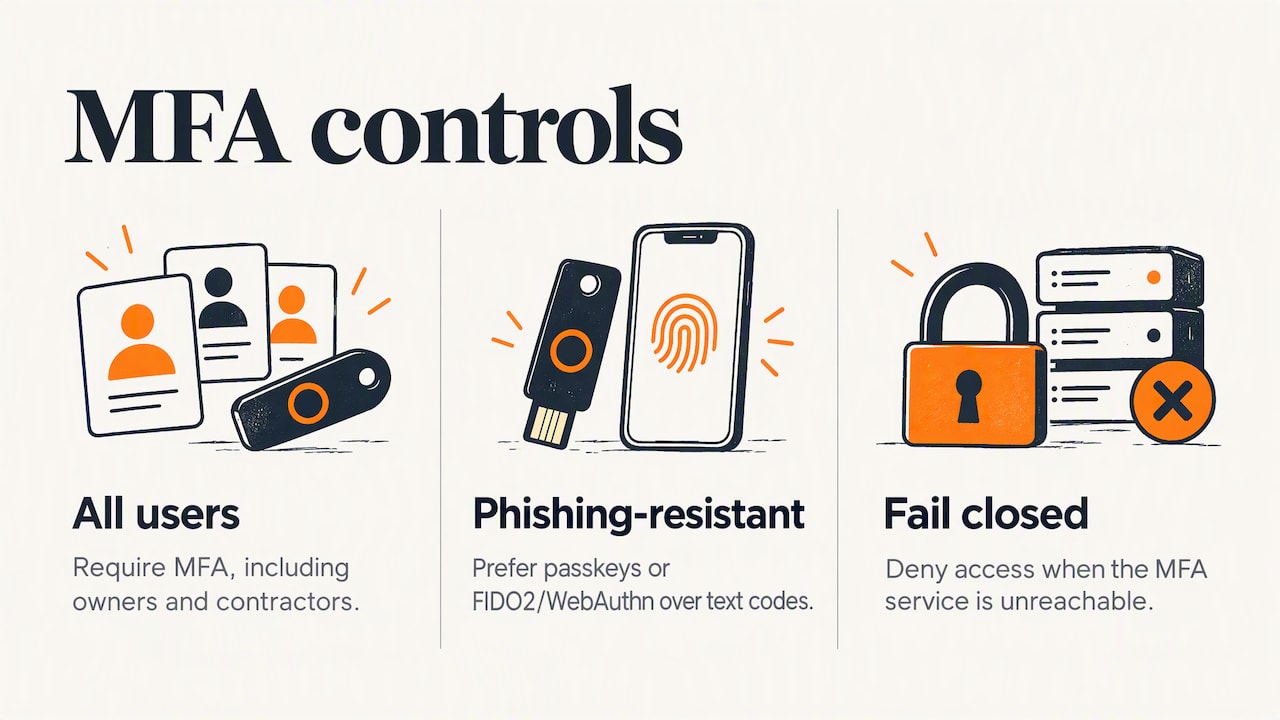
Turn on MFA for all users, with no exceptions for the owner or the “temporary” contractor. Where available, prefer phishing-resistant methods such as passkeys or FIDO2/WebAuthn over text-message codes.
Configuration matters as much as the feature. In a joint advisory, CISA and the FBI described attackers exploiting default MFA settings and recommended enforcing MFA for all users. If your developer builds a custom login, ask that it “fails closed”: if the MFA service is unreachable, access is denied, not granted.
Limit login attempts
Brute-force bots hammer login pages around the clock. The FTC advises limiting unsuccessful login attempts to protect against password guessing. A typical rule is a temporary lockout after a handful of failed tries. One example in the WordPress guide above is a 20-minute lockout after five failures.
Give people only the access they need
Role-based permissions are cheap and effective. A blogger needs to publish posts, not install plugins. A freelance designer needs access to images, not your customer database. Review the user list quarterly and do the following:
- Remove accounts for former employees and agencies the day the relationship ends.
- Keep the number of administrators to the minimum your team can name from memory.
- Give contractors time-limited accounts, and revoke them when the project closes.
- Make sure you, the business owner, control the domain registrar and hosting accounts, not a vendor.
That last point is a business risk as much as a technical one. If a vendor holds your only admin credentials, you cannot respond to an incident quickly.
Encrypt traffic with HTTPS and HSTS
Every page should load over HTTPS, and the server should send an HTTP Strict Transport Security (HSTS) header so browsers refuse to connect over plain HTTP. MDN’s web security guide lists HTTPS with HSTS among its core practices. Cloudflare’s checklist also covers encrypting DNS traffic.
Practical checks:
- Open your site with “http://” in front. It should redirect to HTTPS automatically.
- Look for mixed content, such as an old image or script still loading over HTTP.
- Confirm certificates renew automatically, so an expired certificate never greets customers with a browser warning.
HTTPS protects data in transit. It does not make a site safe on its own, and a padlock icon says nothing about whether the software behind it is patched.
Patch on a schedule, not when you remember
Out-of-date software is the most common reason sites get hit, because attackers scan the internet for known flaws. That includes your CMS, themes, plugins, server operating system, PHP or other runtimes, and any libraries your developers pulled in.
Federal guidance gives a useful benchmark. As cited in a joint CISA and FBI document, critical vulnerabilities on internet-facing systems should be remediated within 15 days and high-severity ones within 30 days of discovery. That guidance is written for software manufacturers and larger organizations, so treat it as a sensible target for your own site rather than a legal requirement.
A workable routine for a small business:
- Keep an inventory of every plugin, theme and integration, with an owner for each.
- Remove anything unused. A deactivated plugin you forgot about can still be exploited.
- Apply security updates in a staging copy first when the site is complex or sells products.
- Schedule a monthly maintenance window, and an emergency process for critical flaws.
If you do not have someone to do this, that is the case for managed hosting and maintenance rather than an argument to skip it.
Put a firewall and CDN in front of the site
A web application firewall (WAF) filters malicious requests before they reach your site. Paired with a content delivery network (CDN), it also absorbs traffic floods and helps keep your real server address private. Cloudflare’s guide notes that if your origin server’s IP is exposed, attackers can bypass DNS-level protection and hit the server directly, so the origin should accept traffic only from the firewall or CDN.
This is a place where setup quality shows. Ask your developer or host:
- Is the origin IP hidden and locked to the CDN?
- Are bot and rate-limiting rules turned on for login and form endpoints?
- Who reviews the firewall’s blocked-request reports, and how often?
Write and review code with security in mind
If your site has forms, a customer portal, an ecommerce checkout or any custom application, the code is part of your attack surface. Two references are worth knowing, even if you never read them end to end.
The OWASP Top 10 Proactive Controls is a ranked list of techniques developers should apply in web applications. The OWASP Application Security Verification Standard gives a more detailed set of requirements, and version 5.0.0 was released on 30 May 2025. Its themes include validating all input, managing sessions securely and defending against injection and cross-site scripting.
You do not need to audit code yourself. You can ask direct questions:
- Is user input validated and sanitized on the server, not only in the browser?
- Are database queries parameterized?
- How are sessions and cookies protected?
- Are API endpoints authenticated and rate limited?
- Which standard does the team build against?
A good developer answers these without defensiveness. Vague answers are a signal.
Back up, then prove the backup works
Backups turn a catastrophe into an inconvenience, but only if they are recent, stored away from the live server and tested. The FTC’s small business guidance lists regular software updates and file backups among its basics.
Set your standard like this:
- Daily automated backups for sites that take orders or leads, with the retention period written down.
- At least one copy stored separately from the hosting account.
- A restore test at least twice a year, timed, so you know how long recovery actually takes.
The restore test is the step most people skip, and it is the one that tells you whether the backup is real.
Log, monitor and alert
You cannot respond to what you cannot see. Logging records logins, admin changes, file changes and errors. Monitoring turns those records into alerts: a new admin account created at 3 a.m., a core file modified, a sudden spike of failed logins.
The FCC planner’s emphasis on integrity points to file integrity checking, which flags unexpected changes to site files. Combine it with uptime monitoring and notifications that go to a person, not an unread shared inbox.
Control third-party scripts and data
Marketing tags, chat widgets, fonts and analytics each run code from someone else’s server on your pages. Every one is a dependency you do not control. Cloudflare’s checklist includes managing third-party scripts and cookie usage as its own step.
Audit them twice a year. Remove tags for tools you no longer use, and load the rest only where needed, which also helps website performance.
Also check what your site reveals. The FCC planner warns against publishing detailed network diagrams, naming conventions or architecture documents on public pages, because that material is a roadmap for an attacker. Sales decks and partner pages are where this tends to slip out. Keep that material behind a login.
Perspective: security belongs in the build
We have been building websites for more than 38 years, and the pattern is consistent: security problems are rarely clever. They are an old plugin, a shared password, a forgotten staging site, or a vendor nobody can reach.
That is why we think of security as part of how a site is designed, developed and hosted, not as an add-on bought later. CISA’s guidance on secure-by-design software makes the same argument about product makers, and it applies to website projects too. Decisions made early, such as how users sign in, which platform you choose, what custom features you add and who hosts the site, determine how much work protection takes for years afterward.
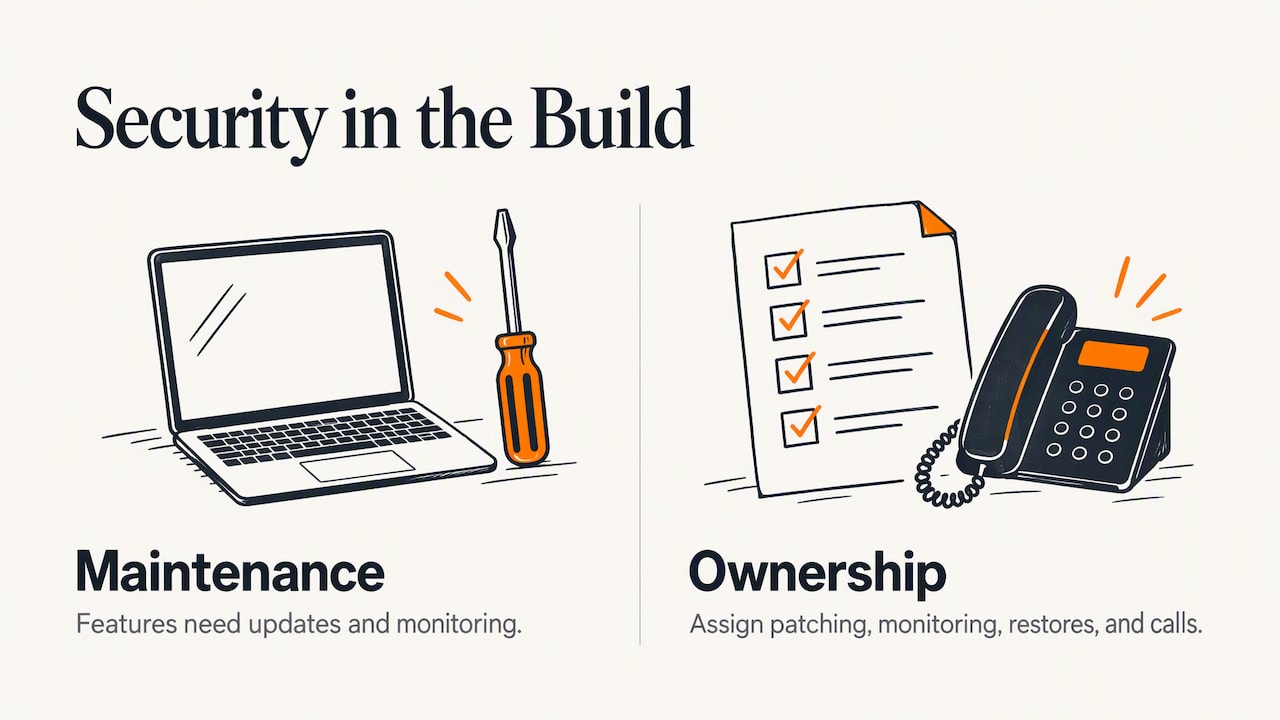
Two things we tell clients. First, every feature has a maintenance cost. A custom form, an extra plugin or a new integration is one more thing to update and monitor, so we ask whether it earns its place. Second, ownership beats tools. A written list of who patches, who watches, who restores and who answers the phone at 7 p.m. on a Friday will do more for you than another product subscription.
Our earlier article on keeping your website safe covers the short version for owners who want a quick start.
— Greg
When a redesign is the real security fix
Sometimes patching is not enough. If your site runs on an abandoned theme, a platform that no longer receives updates or custom code nobody understands, each month of delay adds risk. We cover the warning signs in 10 critical signs you need a new business website, and the planning side in our guide to designing a website.
A rebuild is also the cheapest moment to fix structural problems: separate admin roles, a hidden origin server, a clean plugin list and a hosting setup with tested backups.
Ohio businesses: know your breach notice duty
If your site collects personal information from Ohio residents, state law applies to you. Under Ohio Revised Code 1349.19, a business that discovers a breach of its computerized personal data that creates a material risk of identity theft or fraud must notify affected Ohio residents in the most expedient time possible, and no later than 45 days after discovery, subject to law enforcement needs. Other states have their own rules, so a business serving customers nationwide should check each one.
This is a good reason to collect less data. Information you never stored cannot be stolen. If a breach happens, speak with an attorney who handles data privacy about your specific obligations.
Where we can help
If you want a site that is built, hosted and maintained with these controls in mind, our team handles custom website design, web development, ecommerce and hosting for businesses across Columbus and central Ohio. You can see the full range on our services page. Tell us what your site does and who currently looks after it, and we will tell you where the gaps are.
A 30-day plan you can start this week
- Week one: list every account tied to the site and turn on MFA. Move shared passwords into a manager. Remove ex-employee accounts.
- Week two: inventory plugins, themes and integrations. Delete what is unused and apply pending security updates.
- Week three: confirm HTTPS redirects, HSTS and certificate renewal. Ask your host about a firewall, CDN and origin protection.
- Week four: run a backup restore test, set up alerts for admin changes and downtime, and write down who owns each task.
Then put the monthly patch window and a twice-yearly review on the calendar. Security that is scheduled survives staff turnover.
FAQ
What is the best security for a website?
There is no single product. The strongest setup layers MFA, HTTPS, prompt patching, a web application firewall, least-privilege access, tested backups and monitoring. Each layer covers a gap the others leave open, and the maintenance habit matters more than any one tool.
How do I make sure my website is secure?
Start by running through the checklist above and noting which items nobody owns. Ask your host and developer for written answers on patching, backups, firewall and monitoring. For custom applications or sites that handle payments, consider an independent security review.
How often should I update my website?
Apply critical security updates as soon as you can test them, and aim for the 15-day and 30-day targets in federal guidance for critical and high-severity flaws. Review everything else monthly. Sites that sell products or collect personal data deserve a staging environment for testing updates first.
Does a small business really need a web application firewall?
If your site accepts logins, forms or payments, yes, it is a sensible layer. Bots probe small sites constantly, and a firewall blocks much of that noise before it reaches your software. Many hosting setups include one, so ask what yours covers and who reviews its reports.
Sources
- Website Security, CISA
- Product Security Bad Practices, CISA and FBI
- Advisory AA22-074A on default MFA, CISA and FBI
- Cybersecurity planner, FCC
- Cybersecurity for Small Business, FTC
- Website security guide: a 10-step checklist, Cloudflare
- Security, MDN Web Docs
- OWASP Top 10 Proactive Controls
- OWASP Application Security Verification Standard
- OWASP ASVS 5.0.0 release
- 11 WordPress Security Best Practices for Small Business Websites
- Ohio Revised Code Section 1349.19